The Best Image to PDF Converter in 2026: Fast, Free & Private
Quick Answer
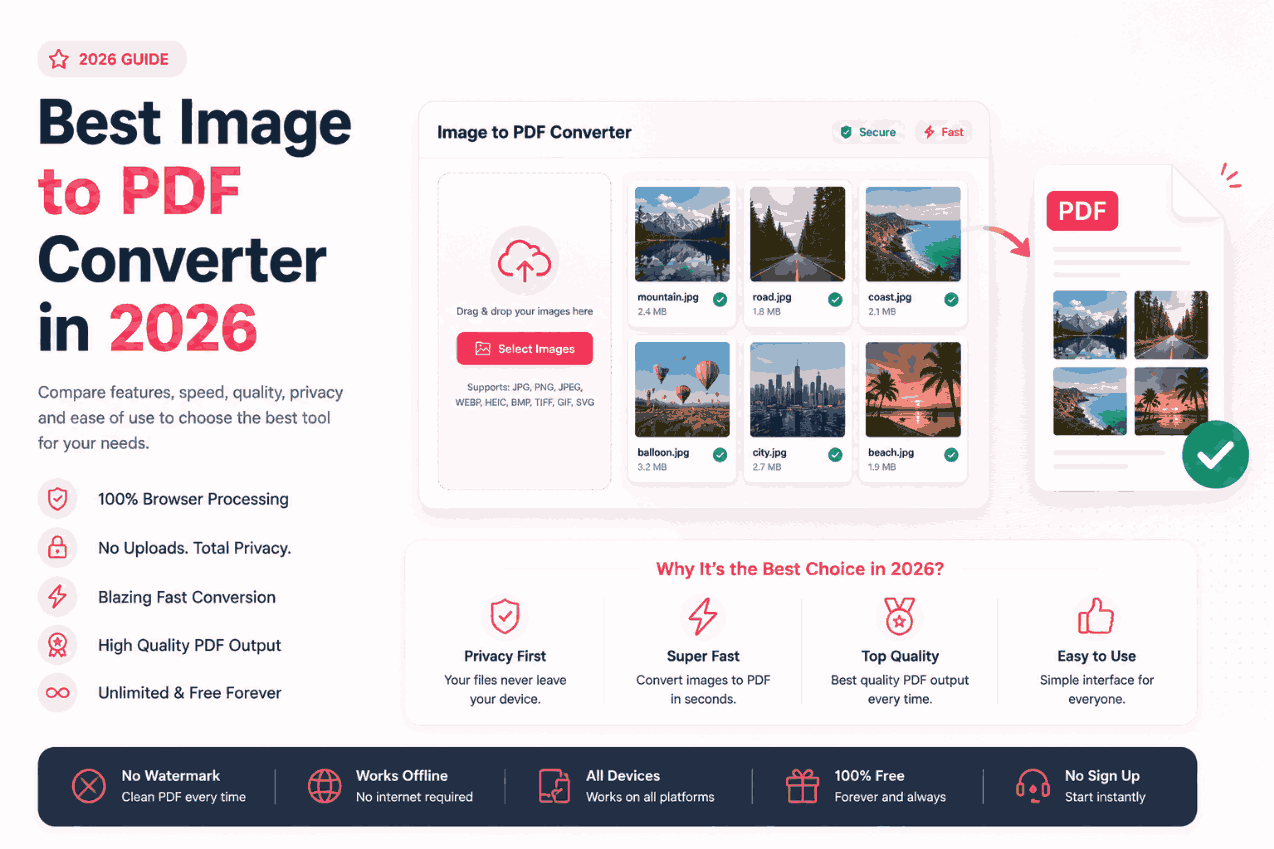
The best image to PDF converter in 2026 is one that utilizes WebAssembly and client-side processing. Unlike legacy tools that require uploading your sensitive files to a remote server, modern solutions process everything locally within your browser. This paradigm shift guarantees instant conversion speeds and absolute data privacy.
Summary
The landscape of web utilities has undergone a massive architectural shift. As users become increasingly aware of data privacy risks, the demand for secure, no-upload tools has skyrocketed. This comprehensive review analyzes the state of PDF converters in 2026, comparing legacy cloud architectures against modern client-side solutions across speed, privacy, and usability metrics.
Introduction
Five years ago, converting a batch of JPG files into a PDF meant navigating to a cluttered website, watching an upload progress bar crawl, and hoping the server didn't compress your images into a blurry mess.
In 2026, that process is considered obsolete. Driven by advancements in browser APIs and WebAssembly (Wasm), the standard for web utilities has evolved. Users now expect desktop-level performance directly within their browsers, without compromising their security.
The Evolution of Converters
To understand why the tools of 2026 are superior, we must look at the timeline of web utility architecture:
Pre-2015: The Desktop Era
Users relied on heavy, expensive desktop software like Adobe Acrobat. It was secure but lacked accessibility and required constant updates.
2015–2022: The Cloud Era
Free online converters exploded in popularity. However, they required users to upload files to remote servers, causing massive privacy concerns and slow speeds.
2026: The Client-Side Era
Tools leverage WebAssembly to bring the software to the user. Files never leave the device, enabling instant, offline processing.
Evaluation Criteria for 2026
When auditing a utility in the modern era, security professionals and developers evaluate platforms based on three non-negotiable metrics:
Legacy Cloud vs. Modern Client-Side
Let's compare the traditional cloud upload model against the modern client-side processing model.
| Metric | Legacy Cloud Converters | Modern Client-Side (e.g., PDFChacha) |
|---|---|---|
| Privacy Risk | High (Files uploaded to third-party servers) | Zero (Files never leave your device) |
| Speed | Slow (Depends heavily on internet upload speed) | Instant (Depends only on your local CPU) |
| File Size Limits | Strict limits (e.g., max 20MB or 20 files) | Unlimited (Restricted only by local device RAM) |
| Offline Support | Fails without internet | Works perfectly offline (via PWA) |
Why Client-Side Architecture Wins
Client-side web applications are fundamentally superior because they align the incentives of the developer and the user.
By processing files locally, the developer avoids astronomical cloud computing costs. This allows them to offer the tool for free without relying on intrusive ads or selling user data. Simultaneously, the user receives a faster, infinitely more secure experience. It is a rare "win-win" in software engineering.
Security Analysis
The Danger of "Delete After 1 Hour" Policies
Many cloud converters proudly state they delete your files after an hour. However, this still leaves a massive window where your sensitive PNG screenshots or scanned documents reside on a remote hard drive, vulnerable to rogue employees or automated scraping scripts.
True security is not a promise in a privacy policy; it is a mathematical guarantee enforced by the software's architecture. Client-side tools enforce this guarantee by physically removing the network transmission layer from the equation.
Common Pitfalls When Choosing a Tool
- Confusing Web Apps with Desktop Apps: You do not need to download a `.exe` or `.dmg` file to get local processing. Modern browsers execute Wasm securely in a sandbox, protecting you from malware associated with sketchy desktop downloads.
- Falling for Artificial Limits: If a website asks you to pay to convert a file larger than 50MB, they are covering their server costs. Switch to a client-side processor to bypass these artificial paywalls entirely.
Pro Tips for Advanced Users
PWA Installation
For the ultimate experience, install a client-side converter as a Progressive Web App (PWA). Click the "Install App" icon in the right side of your Chrome URL bar. This installs the web app directly to your desktop or mobile home screen, allowing you to launch and use it offline, instantly, forever.
Frequently Asked Questions
What is the best image to PDF converter in 2026?
The industry standard in 2026 revolves around client-side processing tools like PDFChacha. These tools convert images directly inside the browser using WebAssembly, ensuring maximum speed and absolute privacy without server uploads.
Why is client-side processing important?
Client-side processing physically prevents your personal or confidential photos from being exposed to third-party servers. It eliminates upload wait times and mitigates the risk of data breaches.
Is there a limit on how many images I can convert?
With modern client-side architectures, there are no server costs, meaning platforms don't need to impose artificial paywalls or file size restrictions. Your only limit is your device's RAM.
Can I use it on my iPhone or Android?
Yes, next-generation tools are built as Progressive Web Apps (PWAs), meaning they work flawlessly offline on iOS Safari, Google Chrome, and Android browsers.
Do I need to download any software?
No software installation is required. The entire conversion engine runs securely inside your existing modern web browser's sandbox.
How do modern tools handle HEIC files?
Advanced tools in 2026 natively decode Apple's HEIC format locally in the browser using WebAssembly before embedding the raw pixel data into the final PDF document.
Conclusion
The era of uploading sensitive documents to slow, remote servers is over. The best utility tools of 2026 respect your privacy, value your time, and leverage the incredible power of your own hardware.
By demanding client-side processing, you ensure your data remains entirely under your control. Experience the new standard of web utilities today with a secure image to PDF processor that works exactly the way modern software should.